SS WOHW Build-Your-Own Bundle! Will Price match!

Pocket Rocket and XL Cups: Tips & Troubleshooting

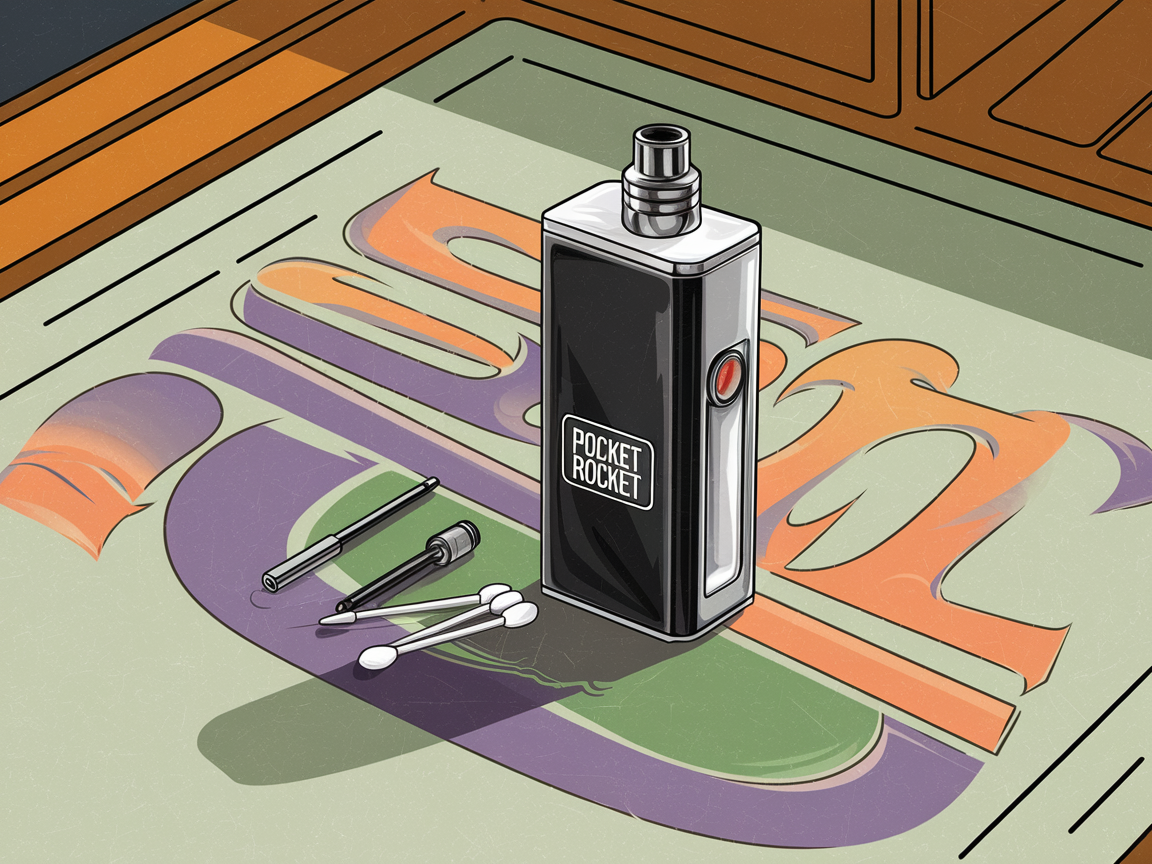
Here’s everything you need to know about keeping your Pocket Rocket XL cups running smoothly. New user? Seasoned pro? These tips can help troubleshoot common issues and get the best performance out of your setup.
Check Your Connections
- Grub Screws: These little screws connect the heater to the metal housing. If things aren’t working right, loosen them a bit and retighten, but don’t go crazy—overtightening can mess up the threads.
- Bottom 510 Pin: Make sure the 510 pin at the bottom is snug but not cranked down too tight. Overdoing it can damage the ceramic spacer, and no one wants that.
- CUB Base 510 Pin: Same deal as the bottom pin—make sure it’s lined up and secure without going full Hulk on it.
Temperature Swings Are a No-Go
Pocket Rocket XL cups like it indoors at room temperature. Leaving your setup in the car when it’s freezing or scorching outside? That’s a quick way to mess with performance. If you’re using it outdoors, bring it inside after you’re done. Keep things consistent.
Battery Basics
- If the low battery warning pops up or the Pico 25 shuts off, it’s time for a charge.
- Don’t let the battery run down to empty—charging it at around 40% is a sweet spot for longer battery life and better performance.
- Running low but still want to use it? Drop the wattage, and you’ll squeeze out a little more time.
Temperature Troubles
- Burnt Dabs? You’re probably running too hot. Dial the temperature down on the mod, or double-check your resistance settings. The live resistance (middle reading on the left side of the screen) should match or be close to the locked resistance (top left). If it’s off, relock the resistance and try again.
- Cold Dabs? Crank up the temp if it’s not fully heating your material. Same deal with resistance—make sure it’s locked and accurate.
Keep It Clean
- A little maintenance goes a long way. Once things cool off, grab a cotton swab and some isopropyl alcohol to clean the cup and connections.
- Don’t scrape at it with sharp tools unless you want scratches. Keep it smooth.
Handle With Care
- These cups can get HOT. Let everything cool down before you touch it.
- If you’re swapping out parts or batteries, give them a quick once-over. Damaged batteries are a no-go, and loose connections can throw everything off.
Pro Tips for a Better Session
- Preheat First: Give the device a couple of seconds to warm up before dropping in your material. It’ll heat more evenly, and you’ll get better results.
- Don’t Overload: Less is more here—packing too much material can make things uneven and harder to clean. Start small and adjust as needed.
- Find Your Sweet Spot: Play around with temperature settings and wattage to dial in what works for you. If you want to recalibrate your cup, check out the Solar Probe for perfectly dialed in dabs!